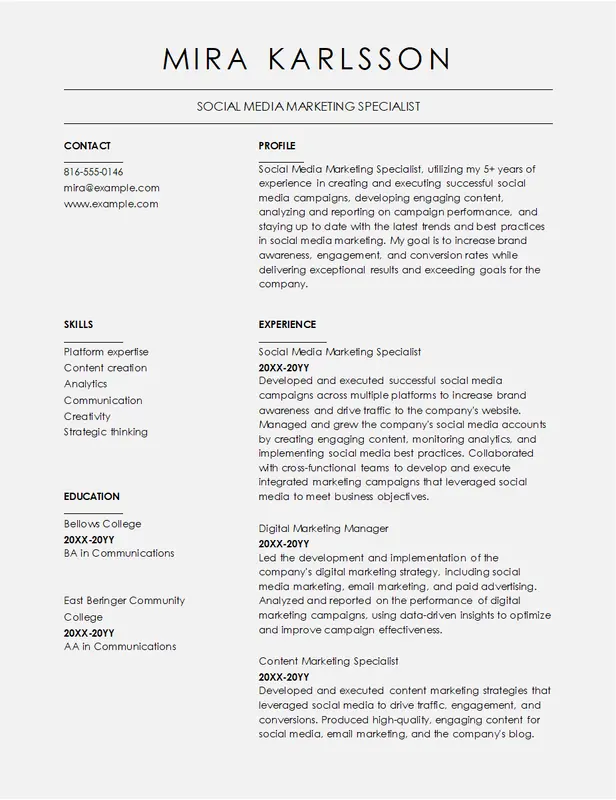
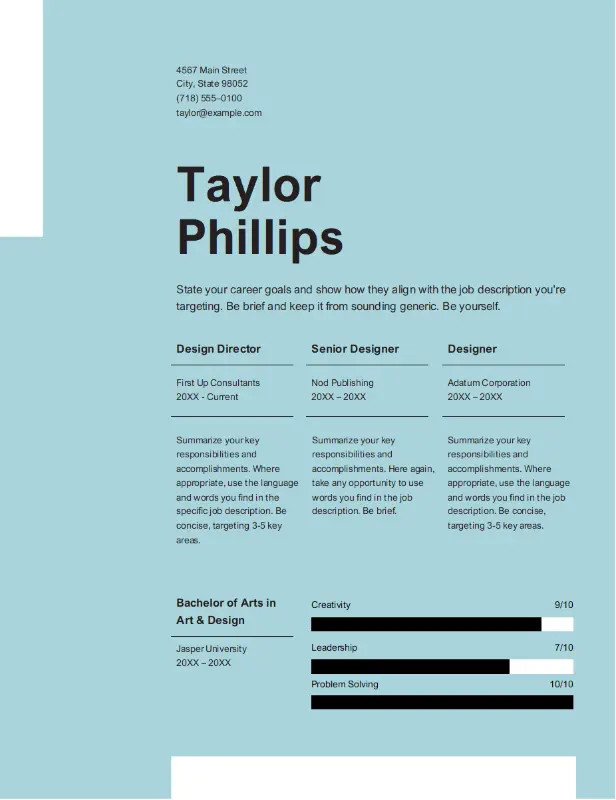
Clean Elegant Polished Look CV Template – ATS-Friendly Resume

Perfect for polished look, this clean elegant CV template is fully customizable and ATS-friendly. Download it instantly in Word or PDF to highlight your expertise and stand out in your job applications.
Instant PDF & Word Downloads

Get your CV ready for submission instantly. 
Download your CV in both PDF and Word formats instantly with just one click. 

The Clean Elegant Resume template is perfect for professionals seeking a polished, minimalist, and sophisticated look for their job application. This template is suitable for a wide range of industries—from corporate roles to creative positions—due to its refined design and clean layout. It highlights your skills, experience, and education in an organized manner that is easy for recruiters to navigate.

The design focuses on simplicity and elegance, with well-defined sections that allow your qualifications to stand out without unnecessary embellishments. This makes it ideal for those who want a professional but stylish approach to their resume, demonstrating attention to detail and clarity.

Customization Tips:

  1. Header Personalization: Use a crisp, simple font for your name to ensure it stands out while maintaining elegance.
  2. Highlight Key Achievements: Use bullet points to succinctly list your main achievements, making them easy for hiring managers to spot.
  3. Adapt to Industry Needs: For creative roles, you can personalize the colors slightly to add a subtle flair; for corporate roles, keep it simple and professional.
  4. Keywords for ATS: Include job-specific keywords in your skills and experience sections to help your resume pass through Applicant Tracking Systems (ATS).
  5. Consistent Formatting: Use the same font style throughout the resume to keep the look cohesive and elegant.

Template Features:

  • ATS-Friendly CV Template Design: This CV template is optimized for Applicant Tracking Systems (ATS), ensuring your resume passes initial screening tools used by recruiters.
  • Customizable Resume Layout: Easily edit this resume in Microsoft Word or Google Docs. You can customize text, fonts, colors, and sections to fit your unique career needs.
  • Professional and Modern Resume Format: Designed by industry experts, this CV template balances modern design elements with professionalism, making it ideal for any career path.
  • Multiple File Formats: Download the CV template in either .docx or .pdf formats to suit your specific job application needs.
  • Built-in Content Guidance: Includes prompts and suggestions throughout the CV template to help you quickly fill in your professional experience and skills.
  • Printer-Friendly Resume: This CV template is designed to look polished both on-screen and in print, giving a great impression in both digital and physical formats.

How To Use Template:

  1. Download the CV Template: Select your preferred format (.docx or .pdf) and download it instantly.
  2. Open and Edit Your Resume: Use Microsoft Word or Google Docs to open the file. Replace the placeholder content with your details—such as name, contact information, job history, and education.
  3. Customize the Design: Tailor the colors, fonts, and sections to reflect your personal branding or industry requirements. A unique, customized resume helps you stand out from other job applicants.
  4. Save Your Resume in PDF Format: Once you've completed your edits, save the CV as a .pdf file for a professional, polished look that's ready to be shared.
  5. Proofread Your Resume: Double-check your resume for any typos or formatting issues to ensure your application looks professional.

Template FAQ

  1. Can I fully customize this CV template to match my brand? Yes! This CV template is fully customizable. Adjust fonts, colors, and the layout to align with your personal branding or target industry, helping your resume stand out. 
  2. Is this CV template ATS-friendly? Yes, our CV templates are designed with ATS (Applicant Tracking System) compatibility in mind, ensuring recruiters can easily scan your resume and pull out key details. 
  3. What formats are supported for this resume template? Our resume templates are available in .docx (Microsoft Word) and .pdf formats, providing versatility for both digital and printed job applications. 
  4. Which software can I use to edit this resume template? You can edit this CV template using Microsoft Word or Google Docs, both of which provide full customization features. 
  5. Is this CV template compatible with Mac and Windows? Yes, you can use this resume template on both Mac and Windows systems. Additionally, Google Docs provides an excellent option for cloud-based editing. 
What is the usage policy for this CV template? All templates are free for personal use. You can download, edit, and use them for multiple job applications, helping you get your dream job without any limitations.
More Templates

Explore More Professional CV Templates

Looking for more options? Check out our full collection of CV templates designed for various industries and professions. Browse our customizable templates and find the perfect match for your career goals!